What is the My Coding Path (Level Progression)?
My Coding Path (Level Progression)
Also known as the Level Progression Path, the My Coding Path is a structured sequence of lessons that is self-paced, and gradually takes the user from beginner coding concepts to more complex ones.
The progression consists of 6 total levels
Levels 1, 2, 3 are block-coding based (Tynker blocks)
Levels 4, 5, 6 are text-coding based, using Python (these correspond to Python levels 1, 2, 3)
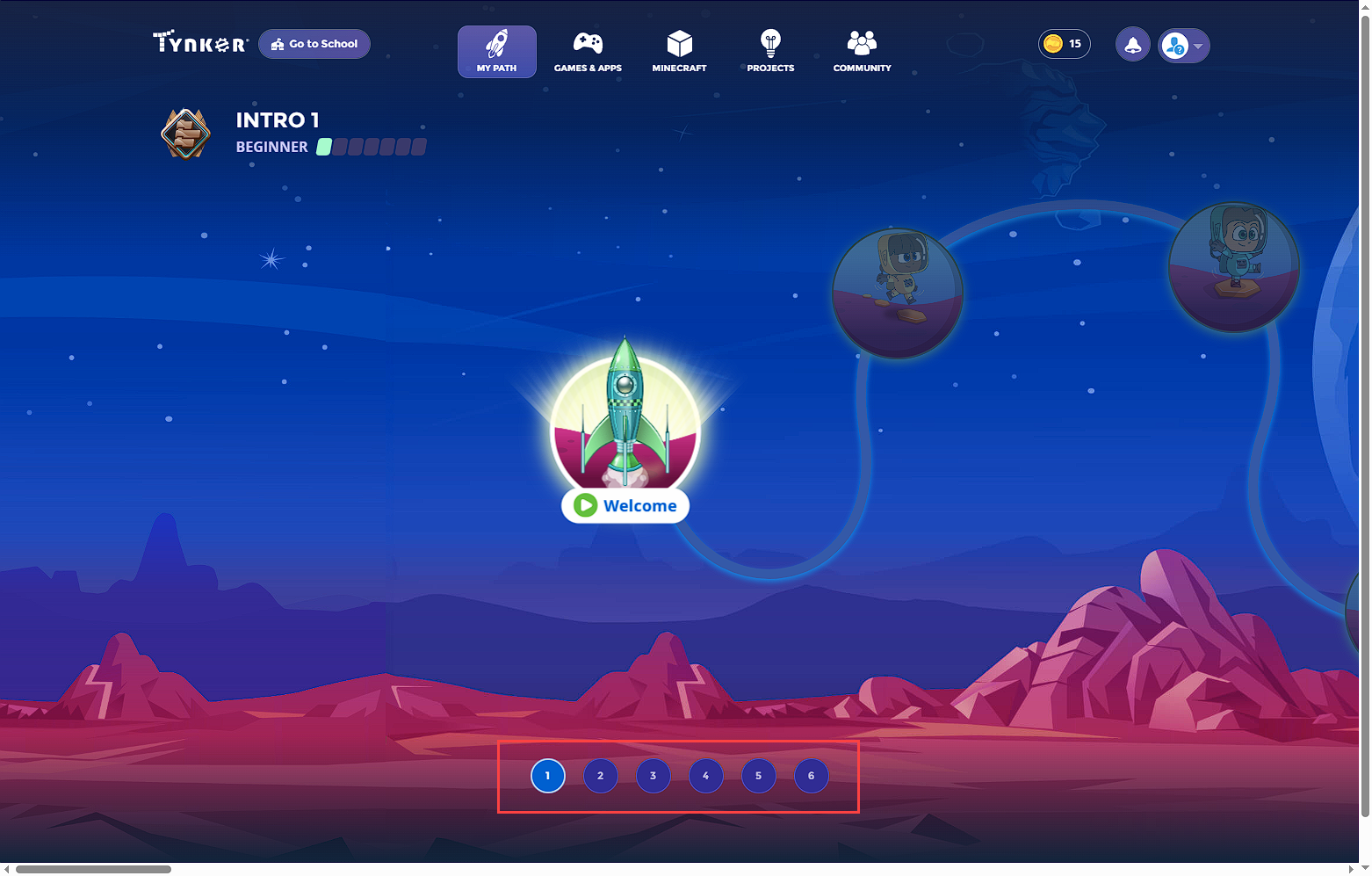
The modules along the path need to be completed in sequence, and users generally start by default at Level 1 (unless they specify text-coding in their settings preferences, in which case they start at level 4). If the child feels ready to skip ahead to another level, they can take a placement test (see more on this below).
Assessment Tests
For users already with some coding experience or simply wish to explore more advanced topics on the path, they can take either of the two placement tests at any time:
Block-coding placement test - evaluates the child's skills using coding blocks format, and places them in Levels 1, 2, or 3.
Text-coding placement test - evaluates the child's skills using Python, and places them in Levels 4, 5, or 6.
Note: When taking the text-coding assessment, the lowest the child will be placed is Level 4 (Python 1). This allows children to take a peek and explore their interest in Python if they wish, and they can always return to the block coding levels to resume their progress if more preparation is needed.
How to Take an Assessment Test
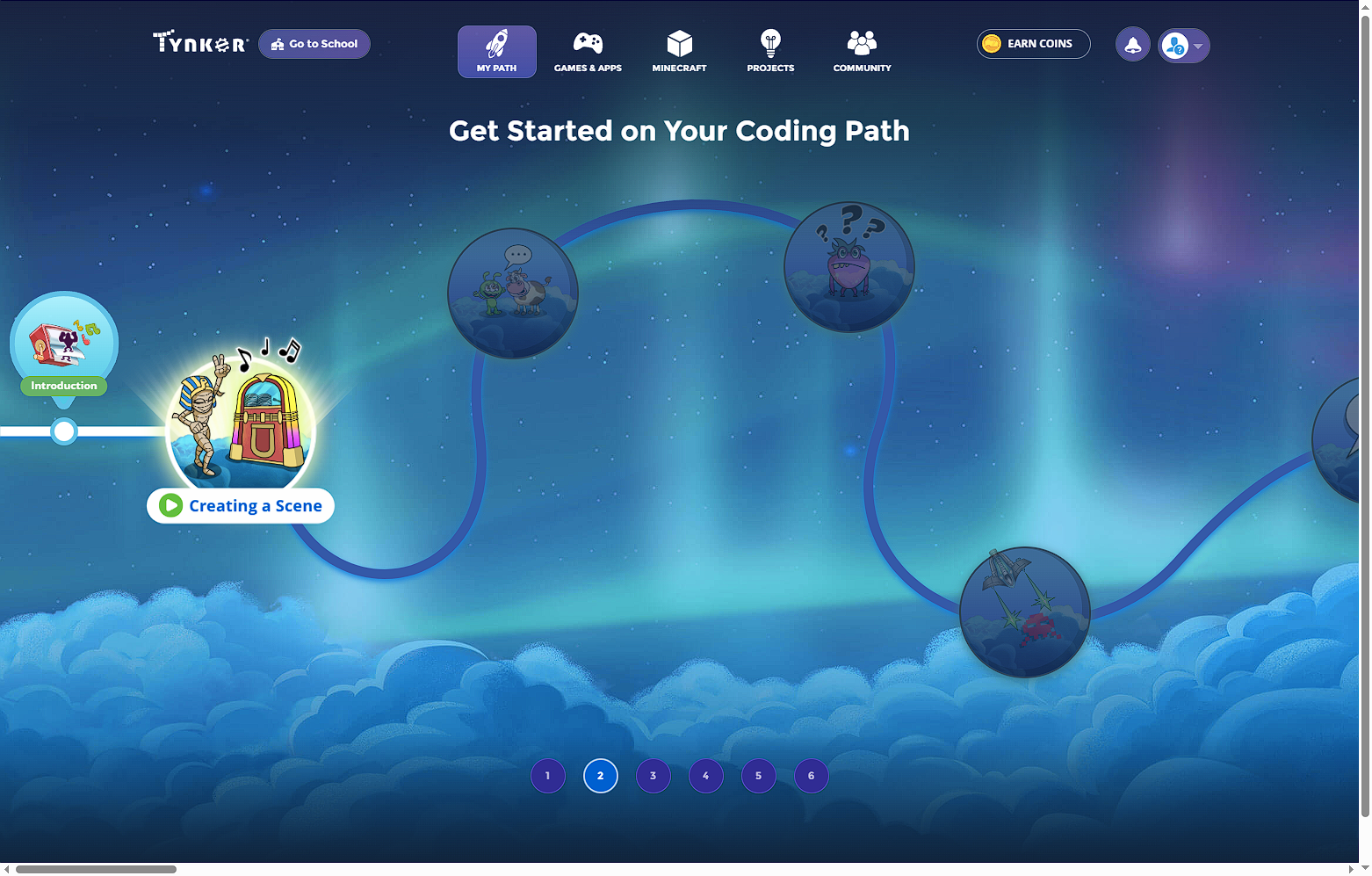
To take a block-coding assessment, simply click into the next level up (either Level 2 or 3), and click on one of the modules in the path. (Similarly for text-coding assessment, click into a module within Levels 4, 5, or 6)
A prompt appears. When ready, click on Test your Skills button
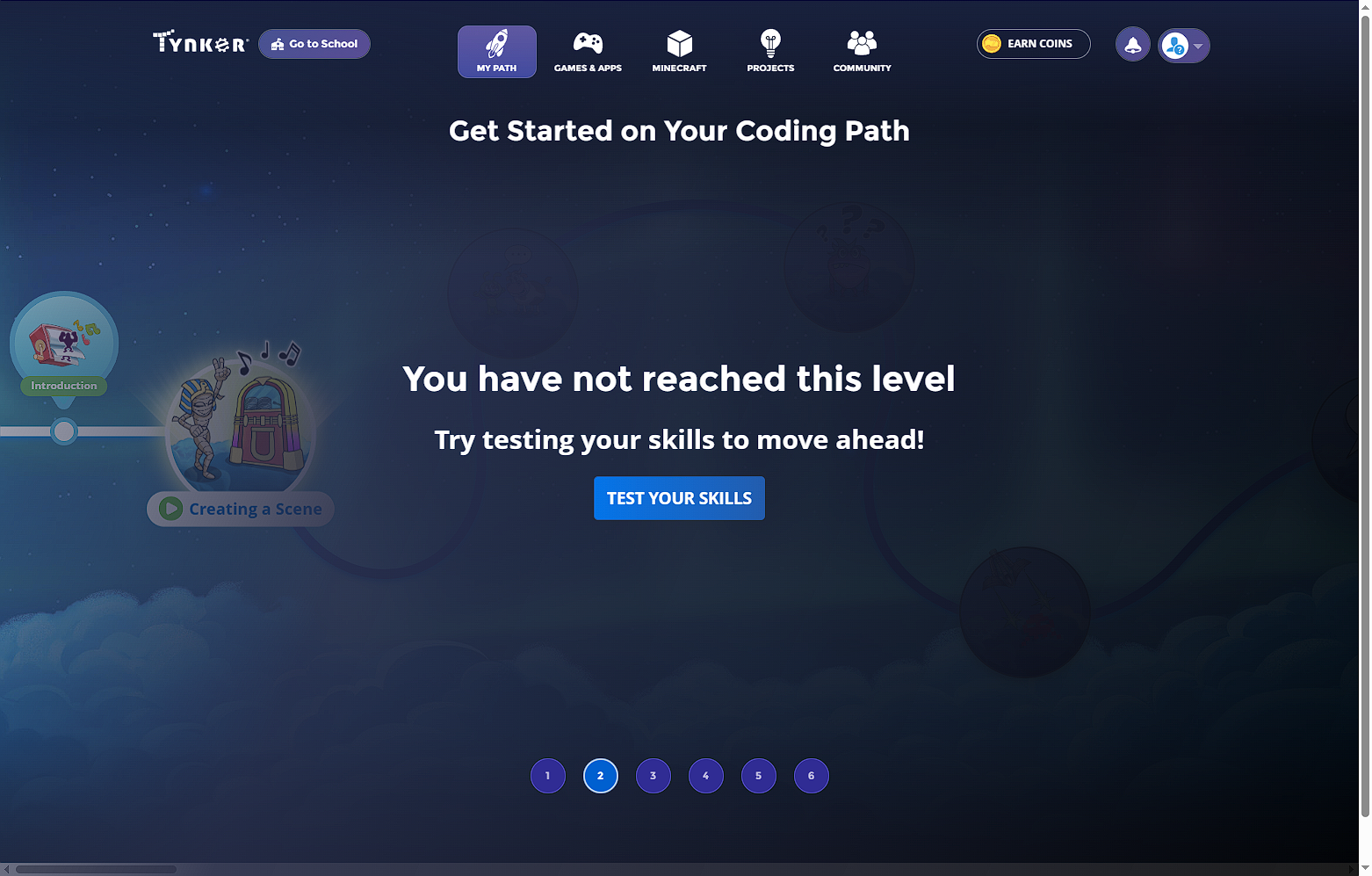
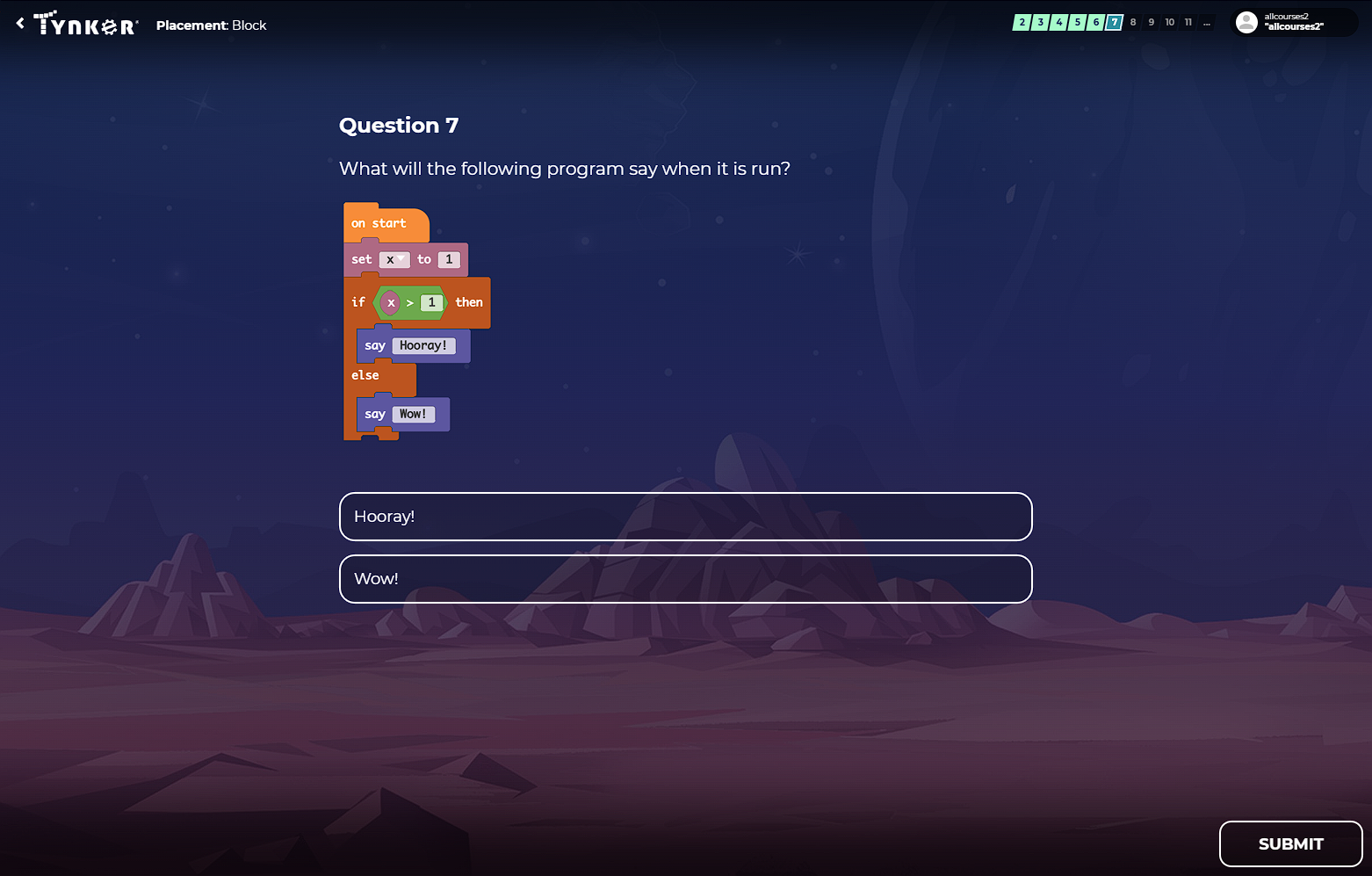
When completed, the assessment test is scored, unlocking the level accordingly for the child to continue.